Pafex Lifestyle
Project Requirements
Store integration, automated Zoho synchronization, and garment POS billing requirements.
◫
Pafex Admin Panel Example
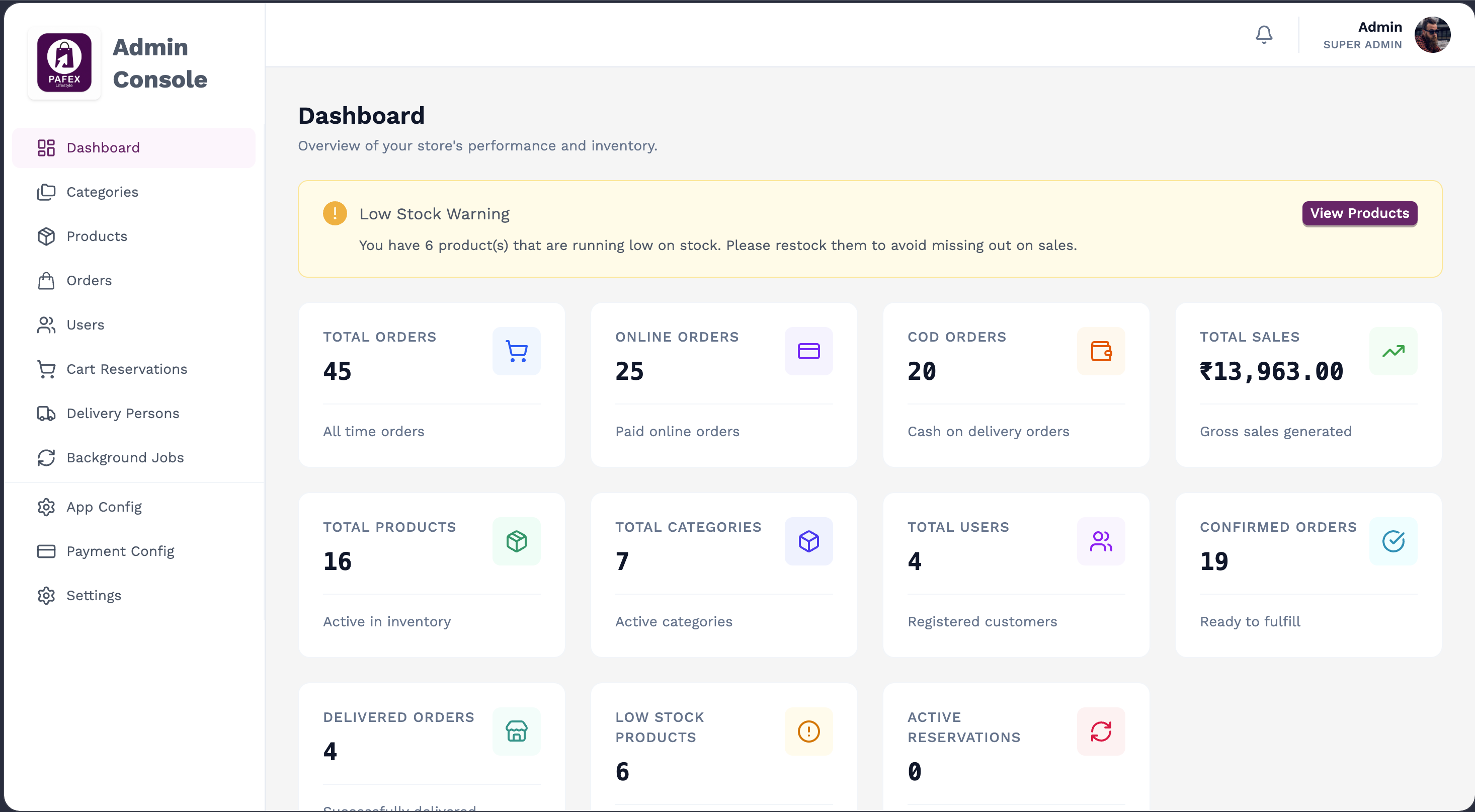
Sample dashboard reference for the Pafex admin experience.
↔
Pafex Lifestyle Store – Automated Zoho Sync
1
Category Sync
Automatically sync product categories created or updated in the
Pafex App with Zoho.
2
Product Sync
Sync Pafex products with Zoho Items using SKU numbers, including
category, pricing, stock, and product details.
3
Order Sync
Automatically push successfully paid app orders to Zoho as Sales
Orders or Invoices, including line items, taxes, and shipping
address.
4
Zoho Books for accounting
Use Zoho Books to record store transactions, manage accounting
entries, and maintain vendor, tax, and financial reporting for the
business.
▣
Pafex Garment – POS Billing
1
POS Billing
Billing functionality for in-store garment sales.
2
Product Selection
Select products or items from the POS system for billing.
3
Bill Generation
Generate and print customer bills or invoices.
4
Payment
Support in-store payment methods such as cash, UPI, and
card.
5
Stock Update
Update inventory based on completed POS transactions.
6
Billing History
Maintain and view previous POS bills and transactions.
4
Zoho Books for accounting
Integrate POS and online sales data with Zoho Books to manage
invoices, expenses, GST/tax records, and day-to-day accounting
workflows efficiently.